Why Simple Project Management Tools Matter
Simple project management tools cut through complexity and let teams focus on work rather than software. In many small teams and solo projects the overhead of learning a feature-rich platform eats into time that should be spent delivering outcomes. Simple tools reduce cognitive load, speed up onboarding and provide clear visibility without the noise of unnecessary functions.
Practically, this means faster setup, fewer arguments about permissions and fewer missed deadlines because everyone understands the workflow. A simple tool provides the essentials—task lists, assignees, due dates and a clear view of progress—and nothing that gets in the way. That clarity is especially valuable for short-term initiatives, creative teams and anyone who prefers getting things done over configuring dashboards.
Core Features to Look For in Simple Project Management Tools
When evaluating simple project management tools, focus on a handful of core features that deliver the most value. First, task creation and assignment must be intuitive: adding a task, assigning it to a person and setting a due date should take only a few clicks. Second, visual status boards such as Kanban or basic scrum boards let teams see work moving from one stage to the next at a glance.
Third, collaboration features should be lightweight—comments on tasks, file attachments and basic notifications are usually enough. Fourth, search and tagging help teams find items quickly without complex filters. Finally, export options or simple reporting ensure you can summarise progress without building custom reports. If the tool offers integrations, they should be straightforward and optional so the core experience stays uncluttered.
Common Simple Workflows: Kanban and Scrum Boards
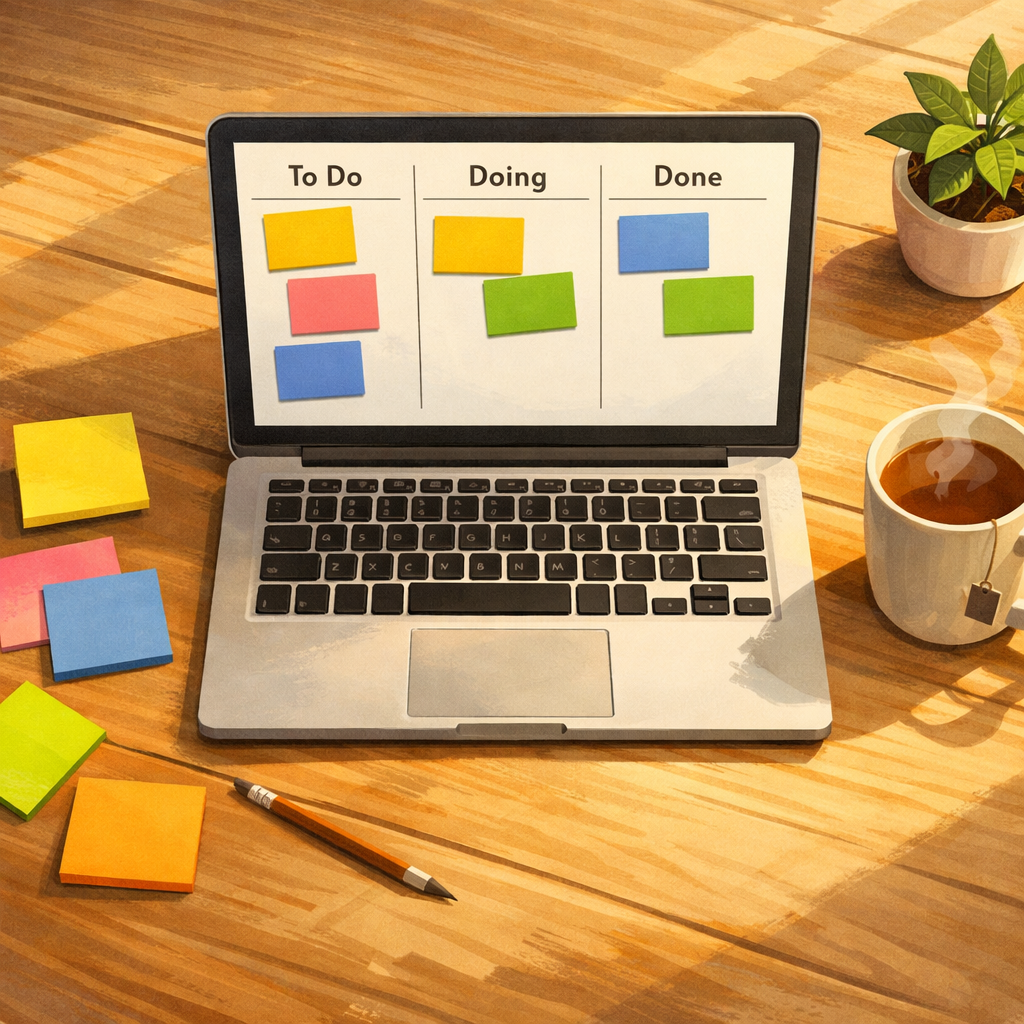
Two workflows dominate simple project management: Kanban and Scrum. Kanban is ideal for continuous work streams and visualising flow. Simple Kanban boards use columns like To Do, Doing and Done; tasks move across the board as they progress. This approach emphasises limit work-in-progress and maintain a steady cadence without complex planning ceremonies.
Simple Scrum boards support short, timeboxed sprints with a focus on delivering a subset of tasks within a set period. For teams that prefer more structure, a pared-down Scrum board combined with a brief daily stand-up can be effective. Many straightforward tools—those that prioritise ease of use—support both Kanban and Scrum boards, so teams can choose the rhythm that suits them. For example, you might try a free system such as onlinetcards.com, which offers both Kanban and Scrum boards in a simple interface.
Choosing the Right Simple Tool for Your Team
Start by mapping your needs: how many users, what level of reporting, whether you need offline access or mobile apps. For tiny teams, a web-based tool with a generous free tier will often be sufficient. Ensure the interface is clean and that common actions are discoverable without reading a manual. Trial the tool with a small pilot project to reveal any hidden friction.
Pay attention to onboarding features such as templates and examples. A good simple tool offers sensible defaults and a few templates for common project types. Consider data portability: can you export tasks if you ever decide to switch? Lastly, evaluate support and documentation—concise help articles and an active community are signs the vendor values usability as much as functionality.
Tips to Keep Your Simple System Effective
Keep boards tidy by archiving finished projects and deleting duplicate tasks. Adopt a naming convention for tasks and tags so searches produce relevant results. Use short checklists inside tasks for sub-steps rather than creating many tiny tasks that clutter the board.
Limit customisation to avoid feature creep—resist adding dozens of labels or complex automation unless they solve a real problem. Encourage regular review rituals: a weekly triage to update priorities and a short retro to surface process improvements. Simplicity is a discipline; the best simple project management tools support that discipline rather than replace it.
Migrating to a Simple Tool Without Disruption
When switching from a heavier platform, plan a phased migration. Export your active tasks and bring over only what is relevant; leave historical noise behind. Communicate the reasons for change and demonstrate the core workflow in a short walkthrough session so everyone sees how the new tool speeds daily work.
Provide a short FAQ and an accessible point of contact for questions. Monitor the first few weeks for friction points and be prepared to adjust board structures or templates quickly. With clear communication and a focus on useful defaults, most teams find a simple tool reduces friction and increases delivery speed.