Introduction to Digital T Card Systems
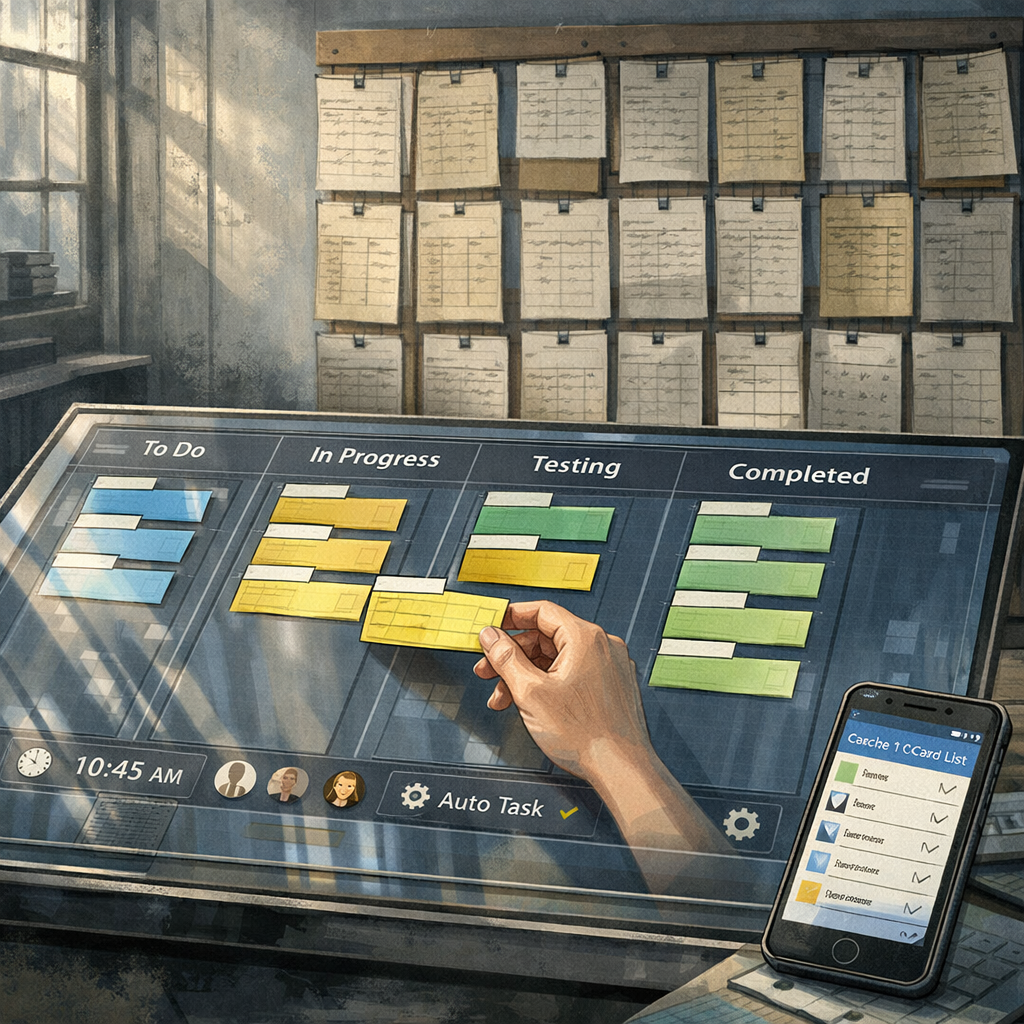
Digital T Card Systems are the modern evolution of the classic T card workflow: the familiar vertical card with slots that indicate job status, but rebuilt for the web and mobile era. These systems reproduce the visual logic of physical T cards—columns for stages, movable cards for tasks, and quick visual cues for priority—while adding automation, history tracking and integrations that physical boards cannot provide. In practice, a Digital T Card System feels like a disciplined kanban tailored to linear job flows (for example maintenance rounds, manufacturing stages or repetitive service tasks), preserving the intuitive ‘read-at-a-glance’ layout that teams rely on.
Core Features of Digital T Card Systems
At their heart, Digital T Card Systems provide a structured card layout: predefined slots or columns (the T positions), card states, and simple drag‑and‑drop movement. Essential features include timestamped state changes, user assignment, priority flags, custom fields that mirror physical card annotations, and repeat/task scheduling for recurring jobs.
More advanced systems offer audit trails, conditional rules (move card when X completed), dependency linking between cards and mobile support with offline caching. Integration capabilities—API access, webhooks and direct links to scheduling or inventory systems—turn a Digital T Card System into the operational spine of repetitive work. These capabilities retain the T card’s simplicity while enabling scale and compliance.
Implementing a Digital T Card System in Your Workflow
Successful implementation begins by mapping existing physical T card columns and their meanings into the digital environment. Define each column’s rules (who can move cards, what triggers transitions) and replicate common annotations as custom fields so users encounter familiar inputs.
Pilot with a single process—such as a daily maintenance route—so you can refine card templates, notifications and automation. Train users on the equivalence between the physical card’s visual cues and the new digital fields. Ensure role permissions are clear: one advantage of digital systems is controlled handovers, preventing accidental status changes common with shared physical boards.
Operational Benefits of Using Digital T Card Systems
Digital T Card Systems reduce the delays and errors inherent in manual card handling. They provide instantaneous visibility across sites, automatic time stamps for accountability and easier reporting for continuous improvement. Remote teams can follow the same T card logic without being co‑located, and managers gain analytics on cycle times and bottlenecks.
Crucially, digitisation supports compliance: automated retention of history assists audits and incident investigations, while templated cards ensure consistent capture of critical information every time a task is executed.
Best Practices and Governance for Digital T Card Systems
Keep card templates lean and consistent—too many fields defeat the T card’s advantage of rapid reading. Use automation sparingly to resolve routine status updates, but retain manual confirmation for safety‑critical steps. Establish naming conventions, clear ownership for each column and a regular review cadence to adapt templates as processes change.
Governance should cover data retention, user access levels and integration approvals. Regularly export or back up configuration and card histories to avoid vendor lock‑in. Encourage staff to treat the digital board with the same discipline they applied to physical T cards: tidy, accurate and timely updates.
Choosing a Platform: What to Look For in Digital T Card Systems
When selecting a Digital T Card System, prioritise platforms that allow flexible card templates, offer robust mobile apps and provide audit logs. Look for easy import of existing card data and straightforward export options. Evaluate integration potential with your roster, inventory and reporting tools.
For teams seeking an accessible entry point, consider lightweight project boards that support kanban and scrum but can be configured to a T card style. For example, onlinetcards.com offers a free project management system with kanban and scrum boards that can be tailored into effective Digital T Card Systems for small to medium operations.