Why Simple Project Management Tools Matter
Simple project management tools are the everyday backbone for teams that need clarity without complexity. They strip away bloated interfaces and features you rarely use, focusing instead on straightforward task tracking, prioritisation and collaboration. For many small teams, startups and individual contributors, simplicity reduces friction: people adopt the tool faster, updates happen more reliably and project visibility improves.
A simple tool doesn’t mean a lack of power. It means the right features presented clearly — task lists, deadlines, assignees, lightweight notifications and a visual board for quick status checks. When those elements are well implemented, teams spend less time managing the tool and more time doing the project work.
Core Features of Simple Project Management Tools
The best simple project management tools deliver a handful of core features extremely well. These typically include Kanban-style boards for visual workflow, task cards with essential meta-data (owner, due date, labels), checklists inside tasks, and basic reporting or progress indicators.
A useful simple tool also supports quick communication: comments on tasks, simple attachments and basic notifications. It avoids nested menus and excessive customisation that slow people down. Importantly, simple tools often offer templates for common workflows (content production, bug tracking, event planning) which let teams start immediately without building complex configurations.
Choosing the Right Simple Project Management Tool for Your Team
Choosing a simple project management tool starts by identifying must-have features versus nice-to-have bells and whistles. Ask: do we need Kanban boards, Scrum sprints, timeline views, or just a Kanban and checklist view? Decide on integrations that matter (calendar, file storage, chat) and whether a free tier or low-cost plan is essential.
Trial several options with your team for a week on a real project. Observe how quickly members adopt the tool and whether updates remain current. For teams seeking a straightforward, free option that supports both Kanban and Scrum, consider trying onlinetcards.com, which offers a free project management system and familiar board-based workflows similar to Trello or Favro.
Implementing Simple Tools Without Overcomplicating Workflows
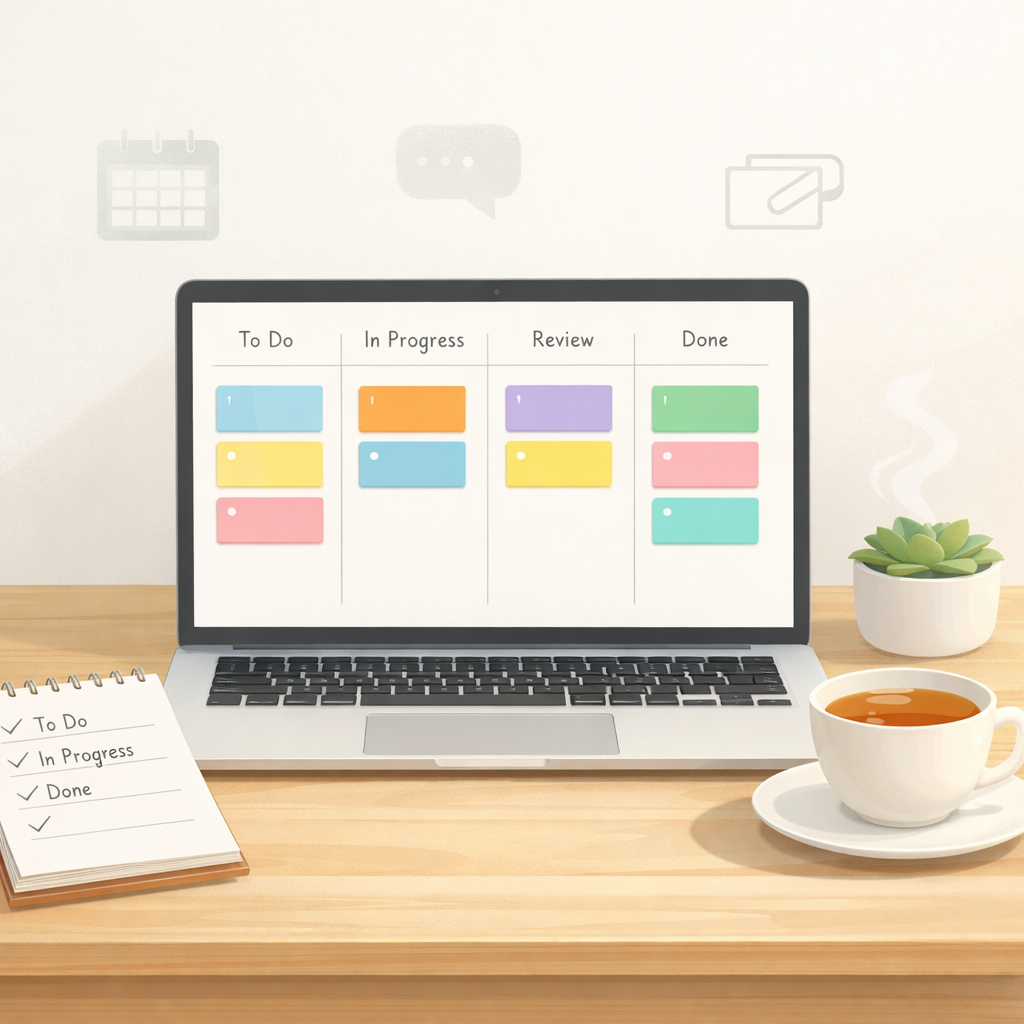
Implementation is where many simple tools become complex: teams add columns, labels and rules until the board resembles a maze. Start with a minimum viable workflow — for example: To Do, In Progress, Review, Done — and enforce short rules: one assignee per task, clear task descriptions, and a single source of truth for files.
Set short onboarding sessions and document one-page guidelines for how the team uses the tool. Schedule a retrospective after two sprints or a month to prune unnecessary columns, labels or automation. Keep customisations incremental and only add features that demonstrably save time or reduce confusion.
Integrations, Scalability and When to Move Beyond Simple Tools
Simple project management tools shine in clarity but can be limited as organisations scale. Evaluate integrations: does the tool link to your calendar, file storage, chat, and time-tracking systems? Many simple platforms offer API access or native integrations to keep workflows connected.
Know the signs you need more: projects with hundreds of tasks, complex dependencies, or multiple release streams may require advanced features like Gantt charts or portfolio views. Even then, some teams find a hybrid approach works best — using a simple board for team-level work while syncing higher-level planning to a more complex system.
Practical Tips to Maximise Value from Simple Project Management Tools
To get the most from simple tools, focus on disciplined usage. Keep task descriptions short but specific, use consistent label conventions, and maintain a regular cadence for grooming the board. Encourage team members to update task statuses in real time and to add brief comments for handovers.
Use templates for recurring work to save setup time, and limit automation to helpful routines (e.g. moving a card when a checklist is complete). Regularly review whether your chosen tool still meets your needs and be willing to simplify further rather than add complexity when bottlenecks appear.