What Are Simple Project Management Tools?
Simple project management tools are lightweight digital systems designed to help teams plan, track and complete work without the overhead of complex enterprise software. They focus on core workflows — task creation, assignment, status updates and basic reporting — rather than extensive resource planning or financial modules. For many small teams, startups and solo professionals, these tools provide the structure needed to stay organised while avoiding steep learning curves.
These solutions typically adopt visual approaches such as Kanban boards or simple lists and often include templates for common methodologies like Scrum. The simplicity reduces friction: users spend less time configuring the system and more time getting actual work done, making these tools ideal for everyday project needs.
Core Features to Look For in Simple Project Management Tools
When evaluating simple project management tools, prioritise clarity and essential functionality. Key features include intuitive task creation and editing, drag-and-drop Kanban boards, subtasks and checklists, due dates and basic notifications. A clean, responsive interface is vital so that all team members can adopt the tool quickly without formal training.
Integration options matter, but keep them minimal: calendar sync, file attachments and simple chat or comment threads are usually enough. Search and basic filters help users find tasks quickly. Lightweight reporting — such as task status summaries or simple burndown charts for Scrum — provides visibility without complexity. Finally, account and permission controls should be easy to manage, enabling basic team roles and privacy settings.
Why Kanban and Scrum Support Is Useful in Simple Tools
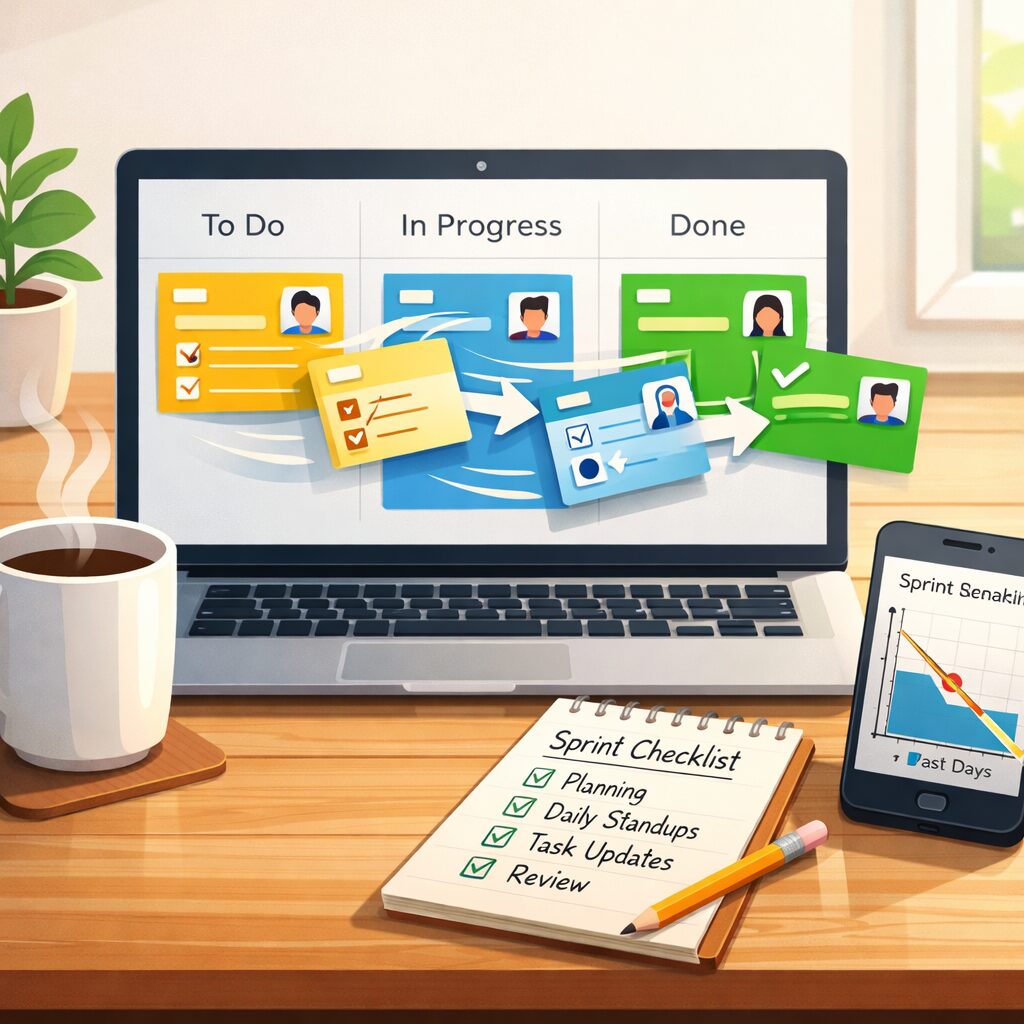
Kanban and Scrum are widely used because they map well to the needs of teams that benefit from simplicity. Kanban boards visualise workflow stages and limit work-in-progress, helping teams maintain flow without heavy process overhead. In a simple tool, Kanban usually appears as a set of lists or columns where cards are moved from left to right as work progresses.
Scrum support in simple tools typically includes the ability to create sprints, prioritise a backlog and track sprint progress with a basic burndown. You do not need full-scale Scrum artefacts or ceremonies enforced by the software; lightweight sprint planning and review capabilities are sufficient. This balance lets teams practise agile techniques without being constrained by rigid tool workflows.
Choosing the Right Simple Project Management Tool for Your Team
Start by assessing your team’s size, workflow complexity and preferred working style. For very small teams or individuals, list-based tools with minimal setup may be ideal. Teams that collaborate visually should favour Kanban-centric products. Consider mobile accessibility if members work remotely or on the move.
Trial several options and evaluate them against practical criteria: how quickly can a new user create a project and assign tasks? Does the tool support recurring tasks or dependencies you actually need? What is the learning curve for non-technical stakeholders? Cost is important, but many simple tools offer generous free tiers; for example, onlinetcards.com provides a free project management system that includes both Kanban and Scrum boards, making it a practical starting point for teams exploring simple solutions.
Practical Implementation Tips for Simple Project Management Tools
Keep structure consistent: decide on a small set of board columns, standard labels and a naming convention for tasks. Too many columns or tags defeat the purpose of simplicity. Ensure every task has a clear owner and a due date where appropriate; ambiguity leads to stalled work. Use checklists inside tasks for stepwise work rather than breaking everything into multiple separate tasks.
Adopt a short onboarding checklist for new users: create a sample project, walk through task creation and moving cards, and show how to comment and attach files. Schedule a weekly tidy-up session to archive completed tasks and prune stale items. Regular reviews help keep the tool lean and relevant to the team’s needs.
Common Pitfalls and How to Avoid Them
A common pitfall is overcomplicating a simple tool by adding too many labels, custom fields or integrations. Resist the temptation to recreate an enterprise system; focus on the handful of features your team uses daily. Another issue is inconsistent usage: if only some team members update the tool, it quickly loses its value. Define clear expectations for when and how to update tasks to maintain trust in the system.
Finally, watch for feature bloat as your team grows. Re-evaluate every six months: if the simple tool no longer meets emerging needs, plan a migration rather than stuffing workarounds into the existing setup. Regularly reviewing your tooling strategy ensures the project management approach remains simple and effective.