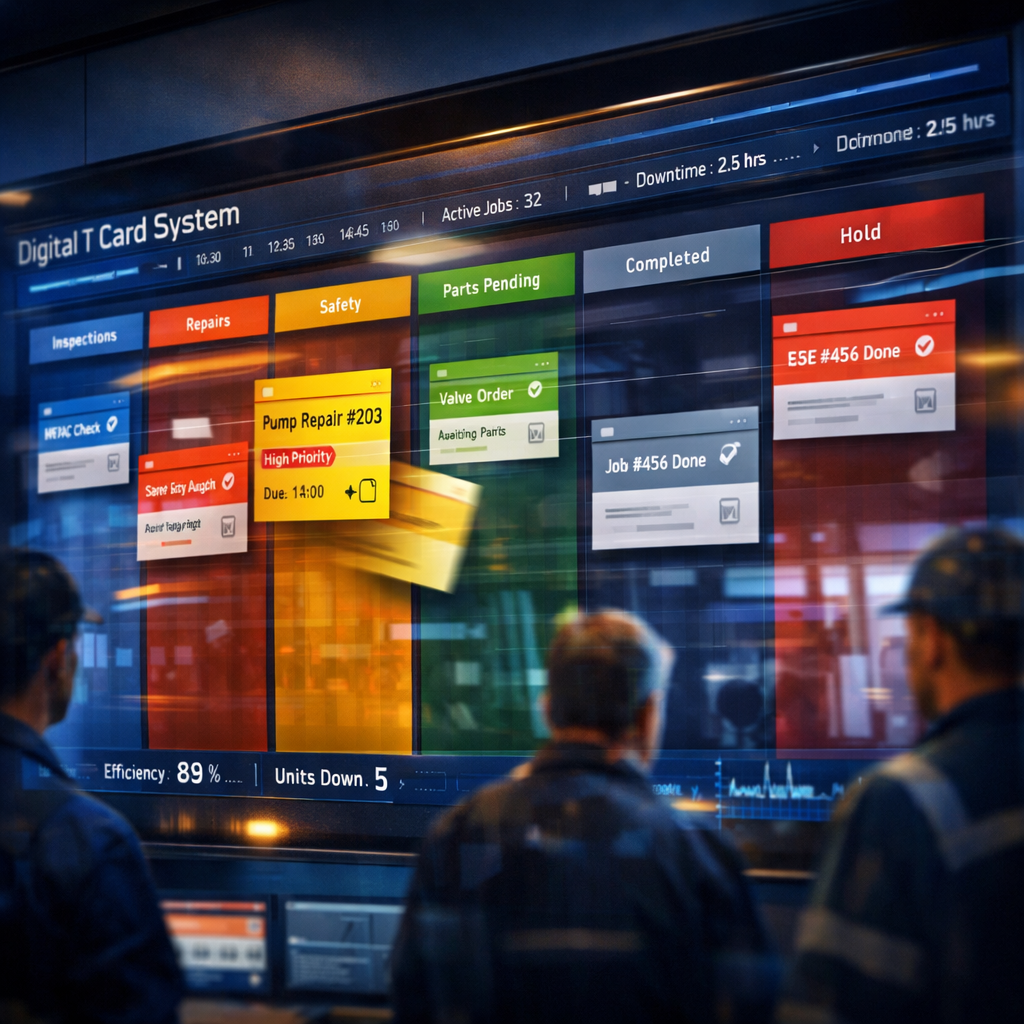
What a Digital T Card System Is
A Digital T Card System is the modern, electronic interpretation of the classic plastic or cardboard T-card racks used for visual task tracking. Where physical T cards hung on a rail to indicate job status, a digital system reproduces that visual workflow in software: cards represent tasks, slots represent stages, and movement of cards represents progress. Unlike ad hoc spreadsheets, a Digital T Card System preserves the intuitive, at-a-glance clarity of the analogue tool while adding search, history, automation and remote access.
The concept is deliberately simple: mirror the column-and-card structure familiar to teams, but remove the limitations of physical space and single-point visibility. That simplicity makes a Digital T Card System especially suitable for operations teams, maintenance crews, small manufacturing lines and service desks that previously relied on physical boards but now need distributed and auditable tracking.
How a Digital T Card System Mirrors and Improves Physical T-Cards
A core strength of a Digital T Card System is fidelity to the tactile workflow people trust. Each digital card still carries the same essential metadata — job ID, assignee, priority, start time, expected duration — arranged visually so a single glance communicates status. This preserves the mental model teams already use, reducing training time.
Improvements are where software shines: automated timestamps replace handwritten notes, mobile access eliminates the need to be next to the rack, and configurable alerts ensure no card is overlooked. Importantly, historical card movement is recorded, giving managers verifiable throughput metrics and root-cause data that physical systems cannot provide without manual effort.
Core Features to Expect in a Digital T Card System
Any robust Digital T Card System should offer a few essential features. First, drag-and-drop kanban columns that map directly to your T-card racks — this preserves the visual logic of T cards. Second, card customisation: fields for parts, serial numbers, SLA, and checklists to capture the operational details technicians need. Third, audit trails and reporting so each card’s lifecycle is fully traceable.
Other valuable features include mobile access for technicians on the move, offline sync for areas with poor connectivity, role-based permissions to control edits, and integrations with existing tools (ticketing, ERP, inventory). For teams wanting a familiar project-management overlay, some digital T card systems also support scrum boards and sprint planning to blend operational work with development practices.
Implementing a Digital T Card System in Your Team
Start by mapping your existing T-card rack: list columns, card types and common workflows. That map becomes the blueprint for your digital board. Pilot with one team or shift to validate card templates, notifications and reporting needs before scaling across the organisation.
Training should be lightweight: emphasise the continuity with the old system (same columns, same card fields) while highlighting new capabilities like search and history. Establish governance — who can create, move or close cards — and set up regular reviews of the digital board to ensure it reflects real-world operations. Iterate card templates after a few weeks based on actual usage data.
Best Practices, Integrations and a Practical Tool Suggestion
Best practice with a Digital T Card System is to keep card templates concise, use colour-coding for priorities, and automations for repetitive transitions (for example, automatically notify maintenance when a card moves to ‘awaiting parts’). Pairing the board with short daily stand-ups keeps the digital view aligned with reality.
For teams that want a free, approachable place to start, explore options like onlinetcards.com, which combines kanban and scrum boards in a familiar card-driven interface. Tools like that let you prototype a Digital T Card System without upfront cost and often include templates that replicate classic T-card racks. When you outgrow a basic setup, look for systems that integrate with your ERP, CMMS or helpdesk so task cards become part of a wider operational workflow.
Security, Scalability and Measuring Success
Security for a Digital T Card System means controlling access to sensitive card information and ensuring audit logs are immutable. Choose a solution with role-based access controls, encrypted data in transit and at rest, and regular backups. For on-premise-critical operations, hybrid deployments are common: local instances for high-security facilities with cloud sync for analytics.
Measure success by tracking throughput (cards completed per period), lead time (time from card creation to completion) and first-time-fix rates where applicable. Use those KPIs to refine card templates, column definitions and staffing. A well-implemented Digital T Card System should reduce response times, improve visibility and deliver a clear, data-backed picture of operational performance.