Introduction: Why seek a free alternative to Monday.com?
Teams small and large are increasingly wary of vendor lock‑in and escalating subscription costs. Monday.com is powerful, but not everyone needs — or can afford — every feature. Free project management tools can cover the essentials: task tracking, visual boards, collaboration and basic automations. Choosing a capable free alternative lets you experiment, scale organically and keep overhead low while you refine workflows.
This article explores practical options and decision points, helping you find a tool that fits your process rather than forcing your process to fit the tool.
Core features to expect from a free offering
When evaluating free alternatives, focus on core functionality rather than bells and whistles. Look for kanban and scrum boards, task assignment, comments, attachments, and basic reporting. These features handle most day‑to‑day project work.
Also consider limits: number of boards, users, storage and integrations. A generous free tier will let you trial a workflow without constant workarounds or forced upgrades. Ease of use and onboarding are equally important — time spent fighting the UI is time lost from productive work.
A quick look at onlinetcards.com and similar options
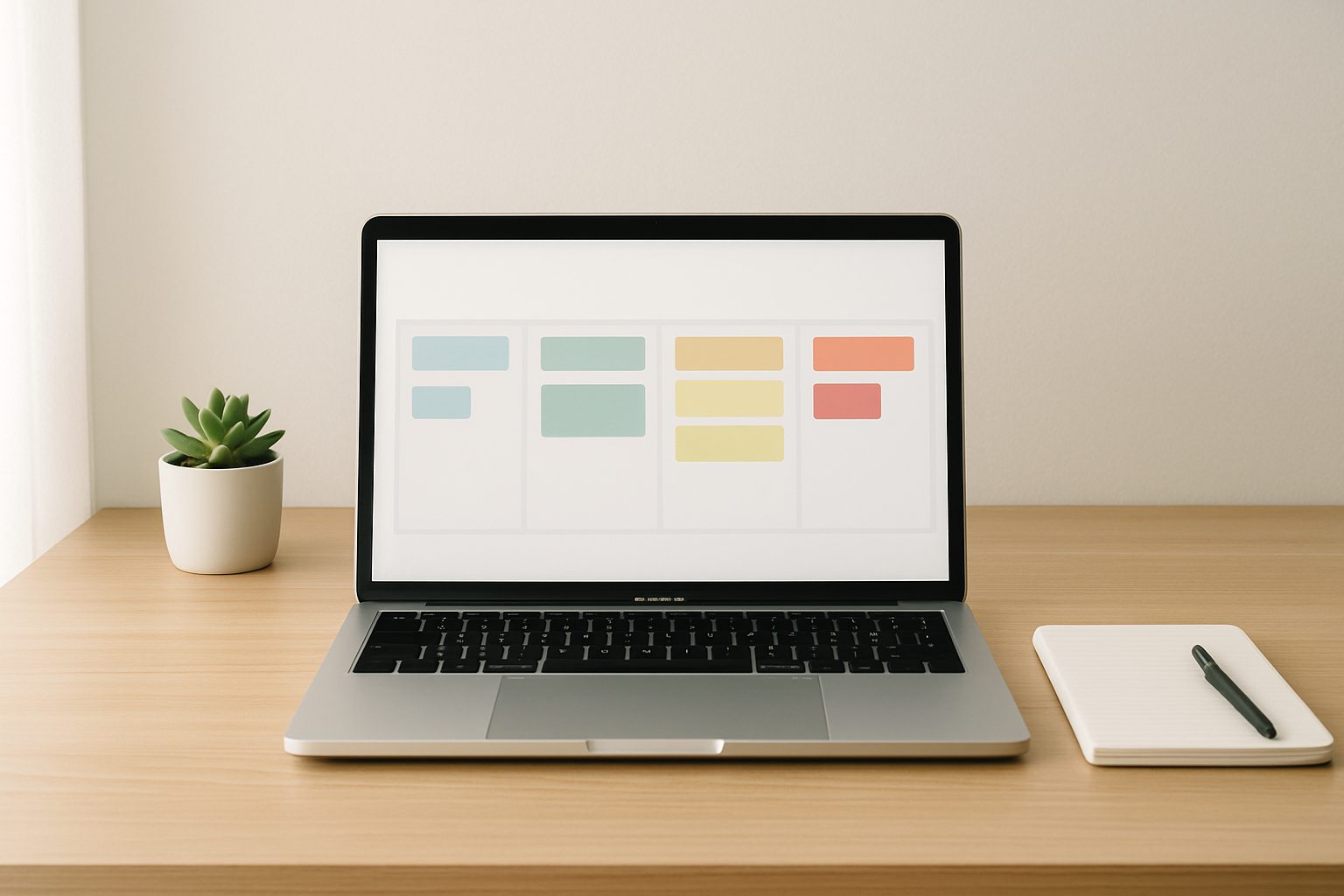
Several platforms mimic the Trello/Favro/Monday.com model and offer free tiers that are surprisingly capable. One example to consider is onlinetcards.com, which provides a free project management system including kanban and scrum boards. It’s useful for teams wanting a lightweight, visual approach without immediate cost.
Other contenders include Trello (well‑known for its simplicity), Taiga (strong for agile teams), and ClickUp’s free tier (feature‑rich but potentially overwhelming). Each tool has trade‑offs: Trello is ultra‑simple, Taiga is developer‑friendly, and ClickUp bundles many features but can feel dense. Try a couple side‑by‑side to see which complements your workflow.
Comparing workflow styles: Kanban vs Scrum vs Hybrid
Kanban is excellent for continuous workstreams and teams that need flow and flexibility. It’s visual and minimal — move cards across columns and limit work‑in‑progress. This suits support teams, marketing ops and small dev teams.
Scrum enforces time‑boxed sprints and structured ceremonies, which benefits product teams needing predictability and velocity tracking. Hybrid approaches blend both: maintain a kanban board for day‑to‑day tasks and run sprint cadences for planning and review.
When choosing a free tool, ensure it supports the workflow you actually run. A kanban‑only app might be perfect for ongoing tasks, while agile teams should pick platforms that provide sprint boards and backlog management.
Practical tips for migrating or starting on a free tool
Start small: move one team or one project to the new tool rather than the whole organisation. This reduces risk and surface for unforeseen issues. Use templates where available to speed setup and maintain consistency.
Document basic conventions — naming, priority labels, and who closes tasks — so the board doesn’t become chaotic. If you anticipate growth, choose a tool whose paid tiers are reasonably priced and whose export/import options are straightforward.
Conclusion: Make the tool fit the team, not the other way round
Free alternatives to Monday.com can be more than stopgaps — they’re viable long‑term solutions for many teams. Prioritise essential features, test the UX with a pilot group, and keep an eye on limits that might push you to upgrade prematurely. Tools like onlinetcards.com show that you can get kanban and scrum functionality without immediate cost, making it easier to focus on delivery rather than licensing.