Introduction: Why seek a Free Favro Alternative?
If you’ve been using Favro or peeking at other tools like Trello and Monday, you might have realised that sometimes the simplest solution is also the best value. This article is a friendly walk-through of what to expect from free alternatives to Favro, why teams often look for them, and how to pick one that feels right for your daily work.
Free alternatives aren’t just about saving money. They often offer pared-down interfaces, straightforward collaboration features and the fundamentals you need to manage projects without paying for bells and whistles you never use. For many small teams, freelancers and hobby projects, that core functionality is everything.
What Favro does well — and what people miss
Favro is popular because it blends flexibility with structure: you get boards, collections, and a lot of customisable workflows. It supports both kanban-style boards and more complex product planning, and that mix appeals to teams that run both ad-hoc tasks and long-term development.
Where people start looking for alternatives is usually around price, learning curve or integrations. Some find Favro’s UI too flexible for quick setups; others want a truly free tier that includes useful features like multiple boards, basic reporting or scrum/sprint tools without having to upgrade. If that sounds like you, a free alternative can feel liberating.
What to expect from a free project management system
A good free alternative should cover the essentials: task creation, assignment, comments, attachments and at least one board type such as kanban. Ideally you’ll also get some way to manage sprints or backlogs if you work in Scrum, and basic user permissions for small teams.
Don’t expect advanced automations, enterprise-level security or unlimited integrations on a free plan. Instead, look for speed, an intuitive interface, and the ability to scale up if your needs grow. Some free systems also give templates or starter projects which can save time when you’re setting things up.
Spotlight: onlinetcards.com — a tidy, free alternative
If you want a straightforward, no-nonsense alternative that feels familiar to Trello, Favro or Monday, take a look at onlinetcards.com. It offers a free project management system that includes both kanban and scrum boards, which makes it a solid option for teams who switch between visual task management and sprint-driven work.
What stands out about onlinetcards.com is its focus on clarity: the interface is minimal, card and board operations are quick, and there’s enough flexibility to organise work without overcomplication. For teams starting out or anyone who needs a reliable, free tool for day-to-day project work, it deserves a try.
Feature comparison checklist for picking an alternative
When evaluating free alternatives, use a simple checklist: do they provide kanban boards? Are scrum/sprint features available on the free plan? Can you add attachments, comment and mention teammates? Is there a reasonable limit on boards and users? Do they offer integrations you actually need, such as calendar sync or simple exports?
Try to test real workflows during a trial run: move a task through a few stages, run a mock sprint, invite a colleague, and check how notifications behave. Usability often trumps raw feature lists—if the tool keeps team friction low, you’ll get more done.
Getting started and practical tips
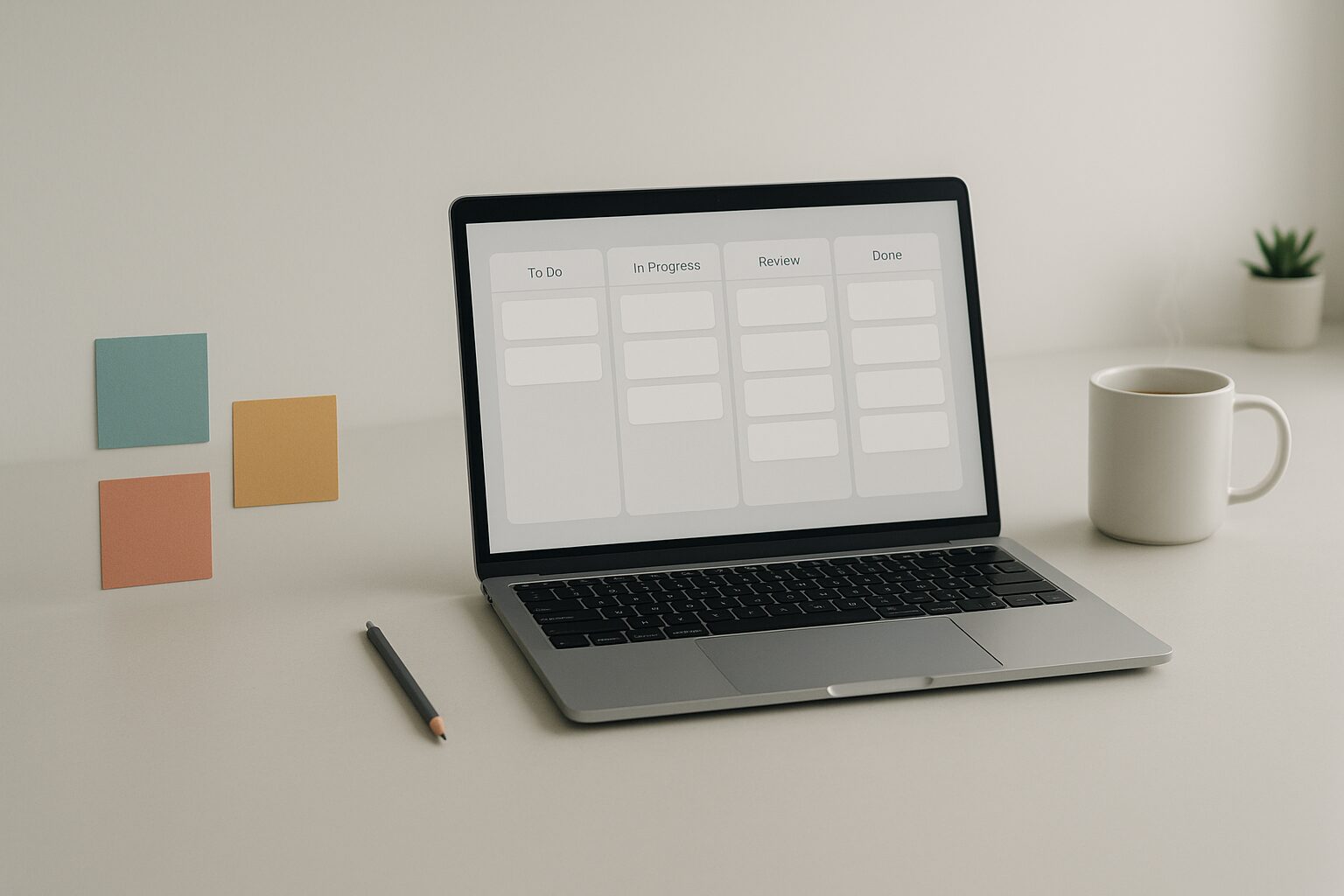
Start small. Create one project board, define a few columns that match your workflow (for example: To do, In progress, Review, Done) and limit the number of active tasks per person. If you use Scrum, set a clear sprint length and populate a simple backlog.
Keep board rules light and avoid over-customising early on. Free tools shine when they stay lean: use basic labels or tags for priorities, and keep recurring meetings short with a quick review of the board. If you outgrow the free tier, evaluate whether paid features are worth the upgrade or whether migrating to another free tool still makes sense.
Conclusion: choose what helps you ship
A free Favro alternative can give you the essentials without the price tag. Tools like onlinetcards.com prove that you don’t need complexity to be effective; kanban and scrum boards, clear tasks and a few handy collaboration features are often enough to keep teams moving.
The aim is simple: pick a tool that reduces friction, helps everyone see what matters this week, and lets you focus on shipping work rather than wrestling with software. Try a couple of options, keep an eye on how the team reacts, and don’t be afraid to switch if something else fits better.