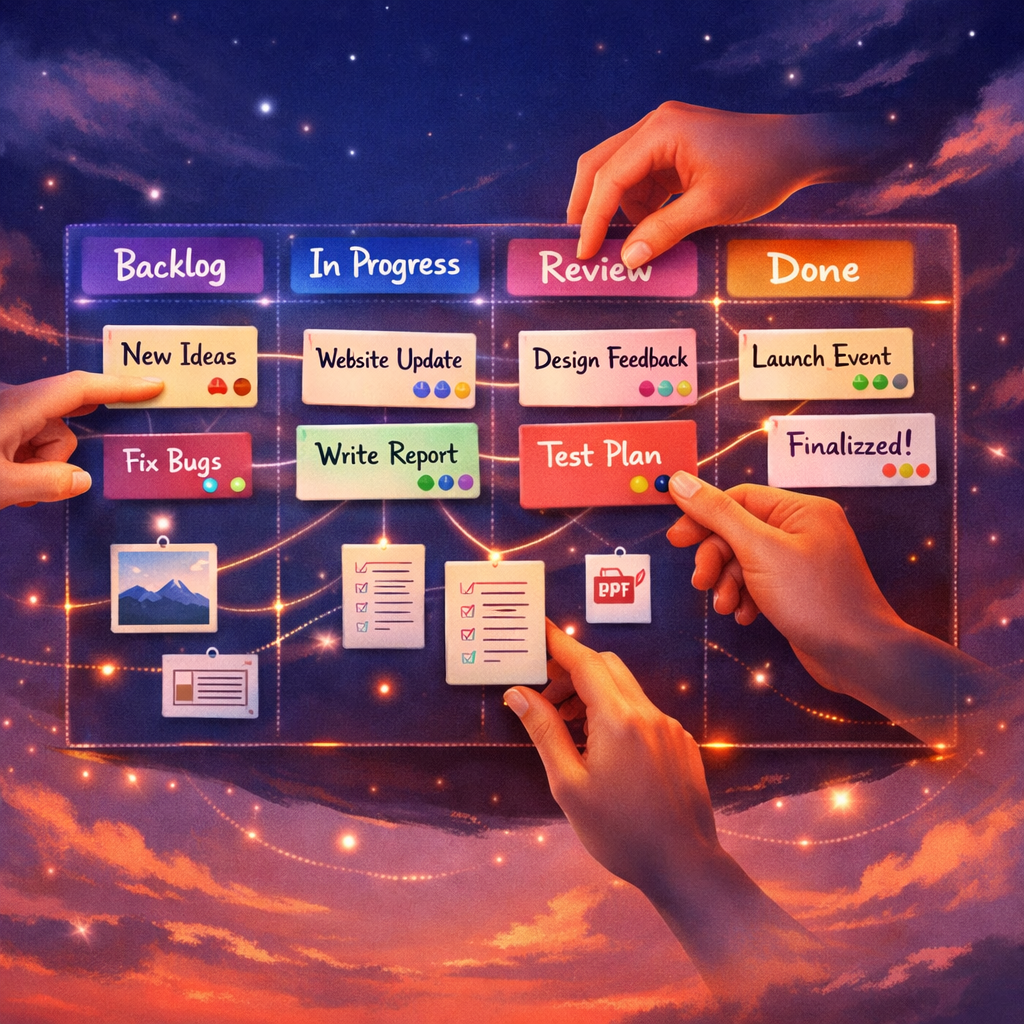
Introduction to Online T Cards
Online T Cards are the digital evolution of the classic T‑card planning system: compact task cards represented on a virtual board to manage work visually. In the online form they preserve the straightforwardness of writing tasks on a small card while adding the benefits of collaboration, versioning and automation. This section sets the scene for why teams are switching to Online T Cards for daily planning and longer project work.
Unlike physical T‑cards, Online T Cards enable remote teams to access the same visual workflow at the same time, add attachments, comment in‑line and see status updates instantly. They work especially well when you want the simplicity of card‑based planning without the overhead of heavyweight project tools.
What Online T Cards Actually Look Like
An Online T Card is typically a rectangular card on a digital board, displaying a short title, brief description, assignee and status. Boards can be arranged by columns (for Kanban) or by sprints and swimlanes (for Scrum), but the heart of the system is the T Card itself — small, discrete, movable and highly readable.
Visually they mimic the tactile affordances of a paper T‑card: you can glance down a column to see progress, drag cards between stages, and use colour or icons to highlight priority. The card maintains a compact footprint so many items are visible at once, preserving the rapid situational awareness teams value in physical boards.
Key Features of Effective Online T Cards
A robust Online T Cards system supports quick creation and editing of cards, drag‑and‑drop movement, filtering and searching, and simple metadata fields such as priority, estimate and due date. It should also offer comments, attachments and activity history so teams can keep a full audit trail of decisions and changes.
Advanced features commonly paired with Online T Cards include automated workflows (for moving cards when conditions are met), integrations with chat and version control tools, and reporting dashboards that aggregate card metrics. These features preserve the minimalist card concept while enabling teams to scale their practices beyond small whiteboard sessions.
Using Online T Cards for Kanban and Scrum
Online T Cards map neatly onto both Kanban and Scrum practices. For Kanban, cards flow through columns that represent stages of work; WIP limits can be enforced visually on columns to maintain flow. Teams monitor cycle time and throughput by tracking card movement across the board.
For Scrum, Online T Cards become backlog items and sprint tasks. Cards are assigned to sprint columns or swimlanes and re‑ordered during backlog refinement. Because cards are lightweight, they are ideal for daily standups: team members can click cards to add comments or update status in real time, keeping sprint ceremonies focused and efficient.
Getting Started with onlinetcards.com and Online T Cards
If you want to try Online T Cards without setup fuss, platforms like onlinetcards.com provide a free project management system that includes Kanban and Scrum boards. Signing up typically gives you an empty board and a template library so you can experiment with T Card layouts and fields straight away.
Start by creating a few cards for your current tasks, set up columns that reflect your workflow and invite team members. Use the free tier to validate whether the Online T Cards approach reduces meetings and improves visibility before committing to a larger rollout.
Best Practices for Managing Online T Cards
Keep card content concise: a clear title, a single sentence description and one or two metadata fields are usually enough. Avoid overloading cards with lengthy notes — keep discussions in the comment thread and link to documents when needed.
Establish conventions for when to create, split or close cards. For example, create a new card for each distinct deliverable, split cards that exceed a predefined estimate, and close cards only when acceptance criteria are met. Consistent habits keep your Online T Cards readable and actionable.
Security, Integrations and Scaling Online T Cards
When adopting Online T Cards for sensitive work, check the platform’s security features: access controls, organisation domains, data export and backup options are essential. Ensure the service supports SSO if your organisation requires central authentication.
Integrations matter as you scale: connect Online T Cards to chat systems, CI/CD pipelines or time tracking tools so cards can trigger and reflect work across your toolchain. Good integrations let the T Card remain the single source of truth while other systems handle specialised tasks.
Conclusion: Why Choose Online T Cards
Online T Cards combine the clarity of physical card systems with the power of modern collaboration tools. They are particularly valuable for teams that want fast, visual planning without heavy processes. By preserving the simple sightline of paper T‑cards and enhancing them with digital features, Online T Cards help teams move work forward with less ceremony.
If you want to explore a hands‑on example, try a free account at onlinetcards.com to experience how Online T Cards can fit within your team’s workflow.