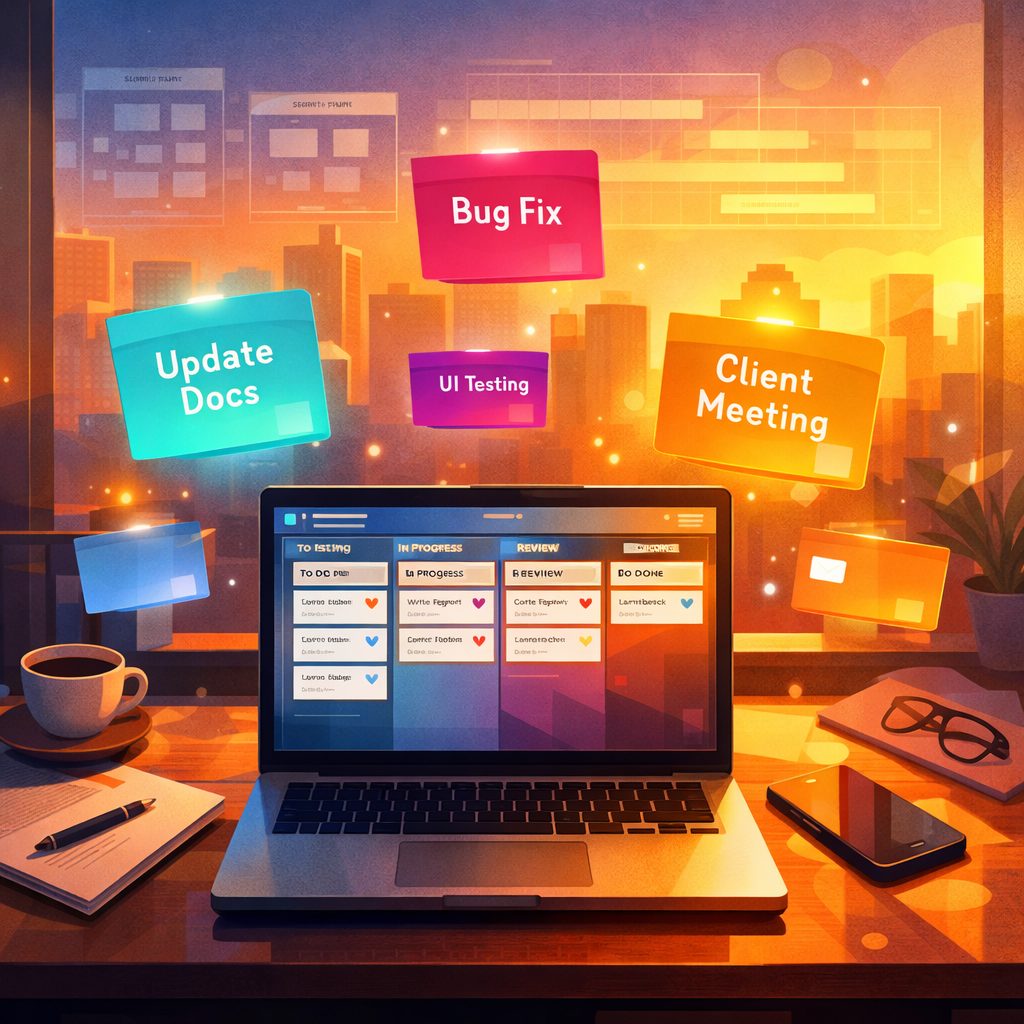
Introduction to Trello Alternatives
Trello Alternatives are increasingly topical as teams look for project-management tools that match evolving workflows, governance needs and budget constraints. Trello popularised the simple Kanban-board approach, but its feature set and pricing changes have nudged many users to evaluate other options. This section outlines why organisations search for Trello Alternatives, from demands for stricter security and automation to the need for built-in Agile support like scrum boards.
Choosing an alternative to Trello doesn’t mean abandoning the board metaphor; rather, it’s about finding a tool that better fits your team’s size, methodology and integrations. Whether you are a freelancer, a startup or an enterprise, there are Trello Alternatives that offer similar card-based task management while extending capabilities in reporting, permissions, custom fields and workflow automation.
Key Criteria When Evaluating Trello Alternatives
When you evaluate Trello Alternatives, focus on these practical criteria.
Functionality: Look beyond boards and cards. Check for features such as subtasks, dependencies, Gantt charts, built-in time tracking, recurring tasks and native scrum support. These make a real difference for teams practising formal project management.
Customisation and Workflows: Consider how much you can tailor boards, fields and automation. Some Trello Alternatives let you create conditional automations and custom templates, reducing manual work and enforcing process standards.
Integrations and API: Assess integrations with your existing tech stack — calendars, chat apps, version control, CI/CD pipelines and file storage. A robust API is crucial if you plan custom extensions or data migrations.
User Management and Security: For businesses, granular user permissions, single sign-on (SSO), audit logs and data residency options matter. Trello Alternatives vary widely in enterprise readiness.
Pricing and Scalability: Compare per-user fees, feature tiers and hidden costs like automation limits or add-on modules. Look for a pricing model that scales predictably as you grow.
Popular Trello Alternatives and What Sets Them Apart
There is a diverse ecosystem of Trello Alternatives, each with strengths tailored to particular use cases.
Asana: Known for task lists and timeline views, Asana suits teams needing robust task hierarchy and reporting. It’s strong for cross-functional projects but can feel heavyweight for simple Kanban users.
ClickUp: A feature-rich alternative that combines docs, tasks, goals and chat. ClickUp’s customisability and built-in time tracking appeal to teams that want an all-in-one workspace, though the abundance of options can have a learning curve.
Monday.com: Highly customisable with visual dashboards and automation recipes. It works well for operations-heavy teams and has attractive templates for different departments, but costs can rise with add-ons.
Favro: Favours Agile teams with boards, backlogs and planning views that mirror software development workflows. It’s compact and developer-friendly for roadmap planning and sprint management.
onlinetcards.com: A lesser-known but practical option, onlinetcards.com provides a free project-management system that includes Kanban and scrum boards. It’s useful for teams that want a straightforward, no-cost entry point with familiar card-based workflows and an emphasis on simplicity. For users who like Trello’s visual approach but want a free alternative with scrum features, onlinetcards.com merits consideration.
Wrike and Jira: Wrike blends project and portfolio management, while Jira remains the de facto choice for software teams needing advanced issue tracking and release management. Both are potent but suited to different organisational needs and complexity levels.
Migrating From Trello: Practical Tips for Switching to Alternatives
Migration is a common concern when exploring Trello Alternatives. Here are practical steps to make the transition smoother.
Audit Your Trello Usage: Identify boards, lists, labels and Power-Ups in active use. Decide which boards are essential, which can be archived and which require custom fields or automations in the new tool.
Export and Import Data: Most Trello Alternatives support CSV or JSON imports. Export your Trello boards and test imports with a small sample board first to verify that card metadata, attachments and comments map correctly.
Recreate Workflows Thoughtfully: Rather than replicating everything exactly, use migration as an opportunity to improve workflows. Implement automations in the new tool to replace manual steps that grew over time in Trello.
Train Your Team: Allocate time for demos and hands-on sessions. Provide quick-reference guides that highlight key differences — e.g. where to find backlog views, how to use sprints or how permissions are structured.
Plan for Integrations: Reconnect integrations (Slack, GitHub, Google Drive, etc.) methodically and test them. If your chosen Trello Alternative has an API, consider building small scripts to sync historical data or bridge systems during the transition.
Pricing, Value and Long-Term Considerations for Trello Alternatives
Price is often the deciding factor when comparing Trello Alternatives, but total cost of ownership includes more than subscription fees.
Free Tiers vs Paid Plans: Many Trello Alternatives offer free tiers with limited automation, storage or user seats. Tools like onlinetcards.com offering a free project-management system with Kanban and scrum boards can be attractive for small teams or trial use. Evaluate whether the free plan’s limits will hinder growth.
Hidden Costs: Consider costs for extra storage, premium integrations, advanced security features and customer support. Also estimate the time and productivity loss during migration and onboarding.
Vendor Stability and Roadmap: Assess the vendor’s track record, update cadence and community support. A vendor with a clear roadmap and responsive support reduces risk over time.
Customisation vs Complexity: Highly customisable platforms may save you time later but can require more upfront configuration and training. Simpler Trello Alternatives provide quicker adoption but may need additional tools for advanced needs.
Long-Term Fit: Choose a tool that aligns with your expected process maturity in 12–36 months. If you plan to adopt formal Agile practices or scale to multiple teams, favour Trello Alternatives offering scrum, reporting and enterprise features to avoid repeated migrations.
Conclusion: Choosing the Right Trello Alternatives for Your Team
Selecting between Trello Alternatives comes down to matching features, usability and cost to your team’s workflows. If you value simplicity and the board paradigm, look at options that preserve that visual style while adding the specific capabilities you need. For teams that want a free, board-based solution with scrum capabilities, onlinetcards.com is worth testing alongside better-known products.
Ultimately, test two or three candidates with a pilot project, measure onboarding time and automation gains, and choose the platform that delivers the best mix of productivity, security and long-term value.