Why consider a Free Favro alternative?
Favro is a powerful tool, but not every team needs its full feature set or price point. Many small teams, freelancers and hobby projects look for lightweight, cost-free options that retain the flexibility of boards, backlogs and simple automation. A Free Favro alternative can offer the essentials — kanban and scrum boards, task lists, real-time collaboration — without the overhead.
If you’re exploring options, think about what matters most: intuitive boards, integration with other tools, offline access, or granular permissions. Free offerings often trade advanced enterprise features for simplicity and ease of use, which for many teams is a welcome change.
Spotlight: onlinetcards.com as a practical choice
One free option worth checking out is onlinetcards.com. It provides a familiar experience similar to Trello, Favro and Monday, with kanban and scrum boards included in the free tier. The interface is uncluttered, getting teams up and running quickly without a steep learning curve.
onlinetcards.com supports drag-and-drop cards, simple workflows, and basic collaboration features — all useful when you want to manage sprints or keep a product backlog without subscribing to a paid plan. For teams that favour straightforward, no-fuss project management, it’s a practical alternative.
Comparing features: what to expect from free tools
Free project management tools tend to focus on core functionality: boards, cards, labels, due dates and comments. Many provide guest access, limited integrations and basic reporting. You should expect some caps — number of boards, storage limits or restricted automation rules.
When choosing between alternatives, evaluate the onboarding experience, mobile support and data export options. A platform that lets you export projects or migrate easily will save headaches if you later need to scale up or switch providers.
When a free tool is enough — and when to upgrade
For startups, side projects and small teams, a free tool often covers daily needs: task management, sprint planning and team communication. If your workflow is straightforward and your team prefers fewer features with faster speed, staying on a free tier makes sense.
Consider upgrading when you need advanced permission controls, deeper integrations (CI/CD, CRM, cloud storage), or enterprise-grade security and compliance. At that point, compare the cost of extending a free tool versus moving to a dedicated paid platform.
Tips for getting the most from a free PM system
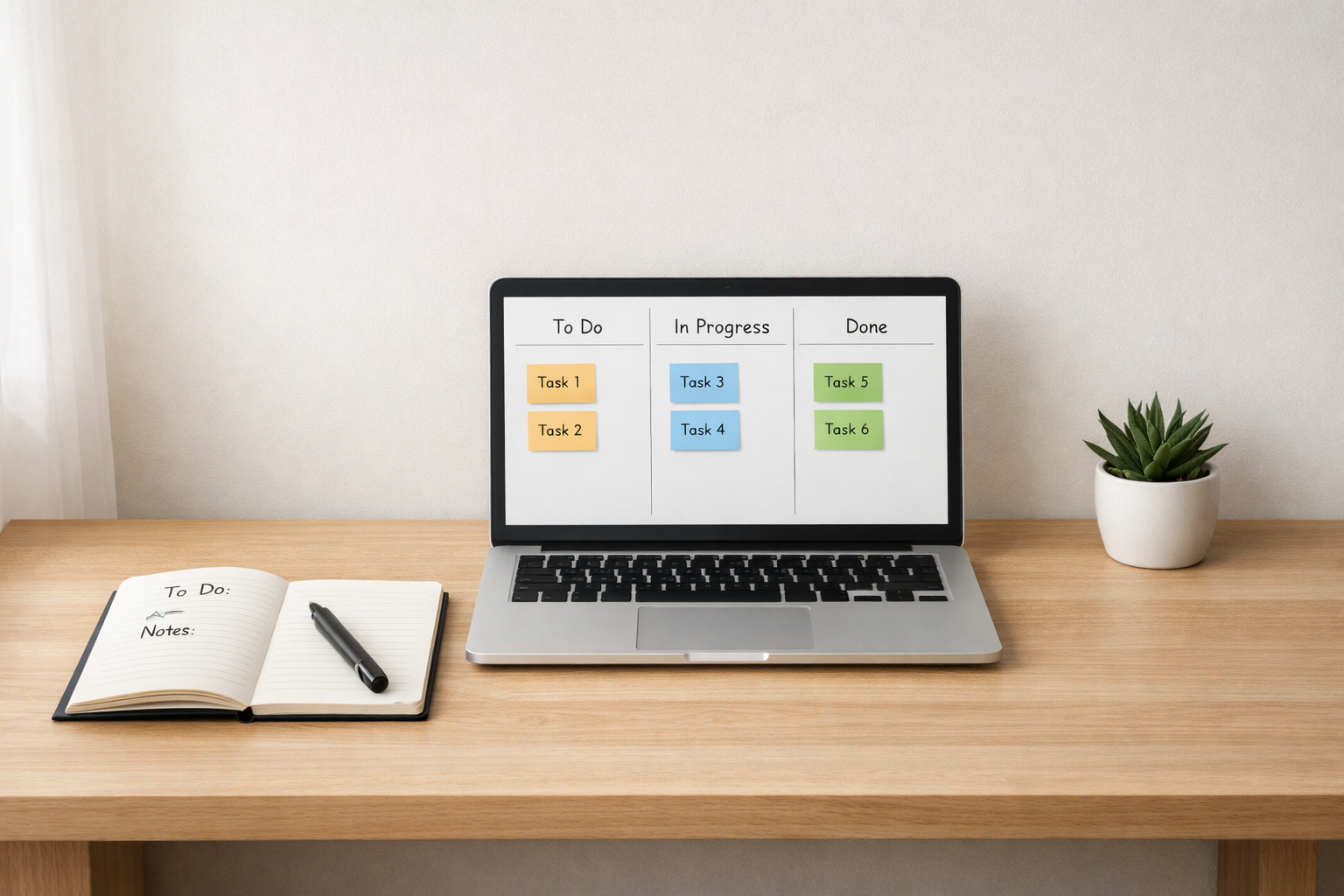
Start simple: define a couple of key columns (Backlog, In Progress, Review, Done) and stick to them. Use labels to indicate priority or type, and keep card descriptions concise with checklists for subtasks.
Regularly archive completed items to keep boards fast and responsive. If you rely on integrations, monitor their limits on the free plan and schedule periodic exports as a backup. Finally, involve the whole team in shaping the workflow — buy-in matters more than perfect tooling.