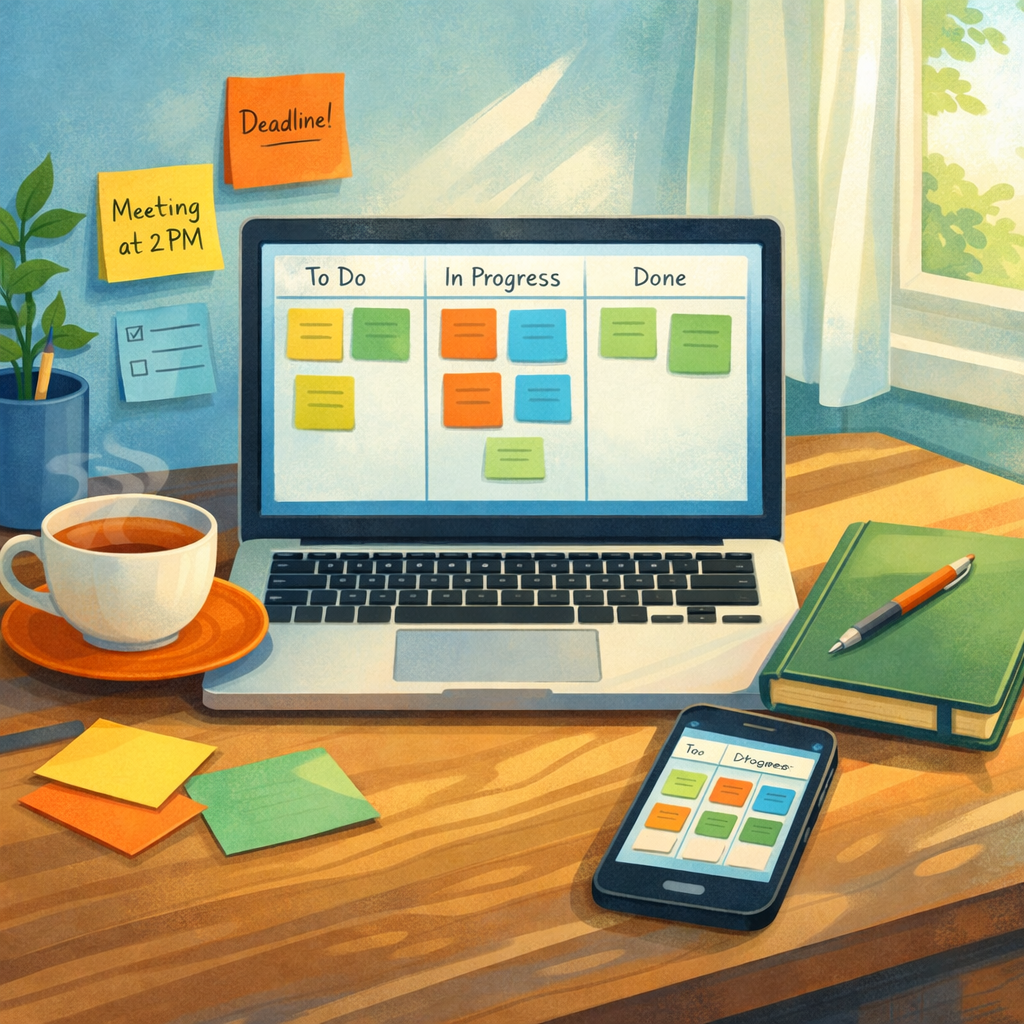
Introduction to Simple Project Management Tools
Simple project management tools are lightweight digital systems designed to help teams organise work without unnecessary complexity. They tend to focus on clarity: clear tasks, visible progress, and minimal configuration. For many small teams or solo operators, a straight‑forward tool beats heavyweight enterprise software because it reduces onboarding friction and keeps attention on delivering work rather than managing the tool itself.
This section sets the tone for the rest of the article by framing what ‘simple’ means in practice: intuitive interfaces, essential features only, and fast setup. Simple project management tools can include kanban boards, basic scrum support, task lists, deadlines and comments—everything you need to coordinate work without steep learning curves.
Core Features of Simple Project Management Tools
Simple project management tools share a handful of core features that make them effective: task creation and assignment, a visual board (often kanban), due dates, basic reporting and lightweight collaboration (comments and attachments). These features enable teams to track who’s doing what and when, while keeping the interface uncluttered.
A good simple tool will allow quick card or task creation, drag‑and‑drop rescheduling, clear status columns and uncomplicated permissions. Optional extras like templates or recurring tasks add convenience without turning the product into a heavyweight platform. When evaluating tools, prioritise discoverability and speed—features should be accessible in one or two clicks.
Kanban and Scrum Support in Simple Tools
Simple project management tools often provide both kanban and scrum modes because they match different team rhythms. Kanban gives continuous flow and visual limits on work in progress, ideal for operations and support. Scrum supplies short, timeboxed iterations useful for planning and reflection.
A simple tool will implement these approaches in a straightforward way: an easy kanban board with columns and WIP limits, and a basic scrum board with sprint planning and backlog management. For teams wanting to experiment, tools like onlinetcards.com offer free kanban and scrum boards that let you try either method without setup friction.
Choosing the Right Simple Project Management Tool
When choosing a simple project management tool, match the tool to your team’s needs rather than the tool to a feature checklist. Consider team size, remote or co‑located working, reporting needs and the preferred workflow (kanban or scrum). Trial the tool with a real project for a week to see if it accelerates work or adds overhead.
Key selection criteria include ease of onboarding, mobile and desktop access, and whether the tool integrates with the small set of other apps you actually use (calendar, chat, file storage). Cost matters too—many simple tools offer generous free tiers that are perfect for small teams, so factor that into your decision.
Integrations and Simplicity: Keeping It Lightweight
Integrations should enhance simplicity, not undermine it. A simple project management tool typically connects to one or two core services like calendar, Slack or cloud storage. The aim is to remove repetitive tasks (automatic due‑date syncs, file linking) while preserving the tool’s uncluttered interface.
Avoid tools that promise endless integrations if they require complex configuration. Instead, look for one‑click connectors or reliable APIs. Tools that provide tidy import/export options let you keep ownership of your data without locking you in, which is an essential characteristic of a genuinely simple system.
Practical Tips for Adopting Simple Project Management Tools
Adoption succeeds when you start small and scale usage incrementally. Begin with one project or team, define a minimal set of fields (title, assignee, date, status), and stick to a single board layout. Encourage short daily or weekly check‑ins using the tool’s native views rather than lengthy status meetings.
Train by doing: host a 30‑minute session where team members move real tasks through the board and add comments. Maintain a ‘How we use the tool’ note within the system so newcomers follow consistent practices. If you need a straightforward, no‑cost option to get started, try onlinetcards.com, which provides familiar kanban and scrum boards without the overhead of enterprise platforms.