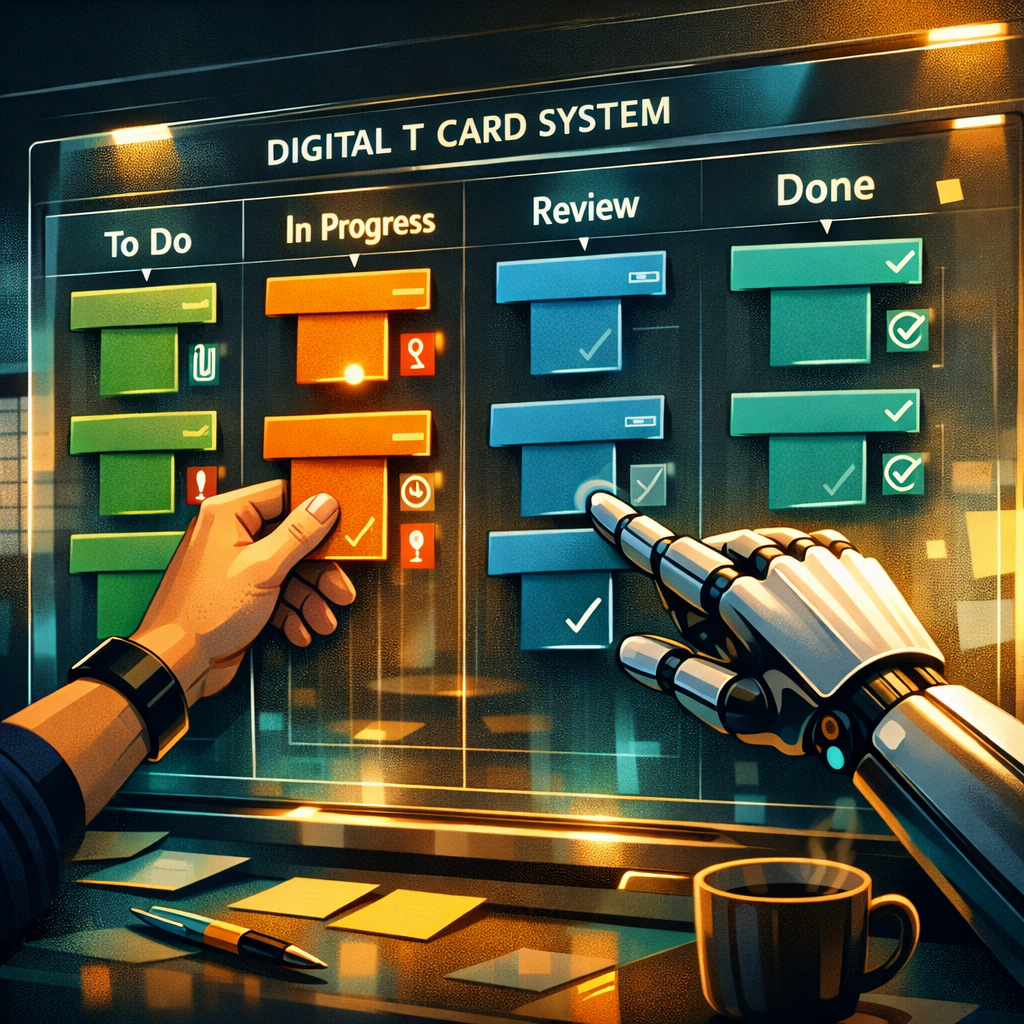
What a Digital T Card System Is
A Digital T Card System is the electronic evolution of the traditional T‑card boards used for visual task and resource management. Instead of physical cards slotted into a T‑shaped holder, the system represents those cards as draggable digital objects on a screen. Each card typically holds task details, status, owner, deadlines and attachments, mimicking the look and discipline of the original T‑card methodology while adding the flexibility of software.
In practice, a Digital T Card System preserves the quick visual snapshot that T‑cards provide—so teams can see at a glance who is doing what and where bottlenecks are forming—while enabling remote access, audit trails and advanced filtering that physical boards cannot offer.
Core Features of a Digital T Card System
At its heart a Digital T Card System offers a few distinguishing features: structured card templates, lane or column layouts that reflect process stages, card assignment and sequencing, and quick visual indicators (colours, icons or flags). These features support predictable workflows and fast decision‑making.
Beyond the basics, modern systems add custom fields, dependencies, time tracking, automated alerts and reporting. A good Digital T Card System will allow card cloning for recurring tasks, bulk updates for rapid rescheduling, and filtering to view only the cards relevant to a particular team, shift or equipment set. The visual ergonomics—clear typography, contrast and compact card summaries—matter because the system is designed to be scanned rapidly.
Implementing a Digital T Card System in Your Team
Successful deployment of a Digital T Card System starts with mapping your existing T‑card conventions into digital equivalents: define card types, establish lanes that reflect your actual process steps, and decide which metadata (priority, estimated time, location) belongs on the card front.
Train quickly and iterate. Begin with a pilot area or single shift, convert a week’s worth of cards into the digital system and solicit feedback. Keep rules simple at first—digital systems tempt teams to over‑configure—and expand fields and automations only when the baseline workflow is stable. Regularly review the digital board with the team, as you would a physical board, to maintain the habit of visual management.
Integrations, Automation and Workflow Optimisation
A robust Digital T Card System integrates with calendars, email, timekeeping and inventory systems so cards stay in sync with reality. Automations—such as moving a card when a task is marked complete elsewhere, or escalating a card when a deadline passes—reduce manual work and enforce process discipline.
If you’re exploring options, lightweight project tools like onlinetcards.com offer free Kanban and Scrum boards that can act as a Digital T Card System for teams wanting a low‑friction start. Such platforms let you adapt T‑card metaphors into Kanban columns or sprint boards, add custom fields and use basic automations without heavy IT involvement.
Security, Audit Trails and Compliance Considerations
Replacing paper T‑cards with a Digital T Card System raises questions about data residency, access controls and auditability. Ensure your chosen system enforces role‑based permissions so only authorised users can create, edit or delete cards. Look for immutable change logs and exportable audit trails to meet internal governance or regulatory needs.
Encryption in transit and at rest, regular backups and single sign‑on support are practical necessities for operation across distributed teams. If cards contain personally identifiable information or regulated data, apply data minimisation—keep sensitive details out of visible card titles and store them in protected attachments where necessary.
Measuring Effectiveness and Best Practices
Measure the Digital T Card System’s impact by tracking lead time, cycle time and the frequency of blocked cards. Visual metrics like cumulative flow diagrams work well with T‑card style boards and reveal whether work is piling up at particular stages.
Best practices include keeping cards small and action‑oriented, preserving a single source of truth for each task (avoid duplicate cards), and holding short, focused visual reviews where the team updates the board together. Regularly prune stale cards and archive completed work to keep the system performant and readable.