Introduction to Simple Project Management Tools
Simple project management tools are streamlined applications and platforms designed to help teams plan, track and deliver work without the overhead of complex enterprise systems. They focus on clarity: visible tasks, straightforward status updates and quick onboarding. For many teams—start-ups, small departments or solo professionals—the priority is getting things done with minimal setup rather than adopting heavyweight processes.
Simplicity does not mean lack of capability. The best simple tools balance essential features—task lists, due dates, assignments and lightweight reporting—with an intuitive interface. This reduces friction, increases adoption and keeps the team focused on outcomes rather than administration.
Core Features That Define Simple Project Management Tools
There are a handful of core features that consistently appear in simple project management tools and distinguish them from more complex alternatives. These include easy-to-use Kanban boards for visualising work, task creation with minimal fields (title, assignee, deadline), and clear status indicators.
Other important features are quick filtering and search, drag-and-drop reordering, basic notifications and simple integrations with calendar and file storage. The presence of templates for common workflows (e.g. content production, bug tracking) is a bonus because it shortens setup time. Crucially, these features should be discoverable within minutes rather than requiring formal training.
Workflows: Using Kanban and Scrum in Simple Tools
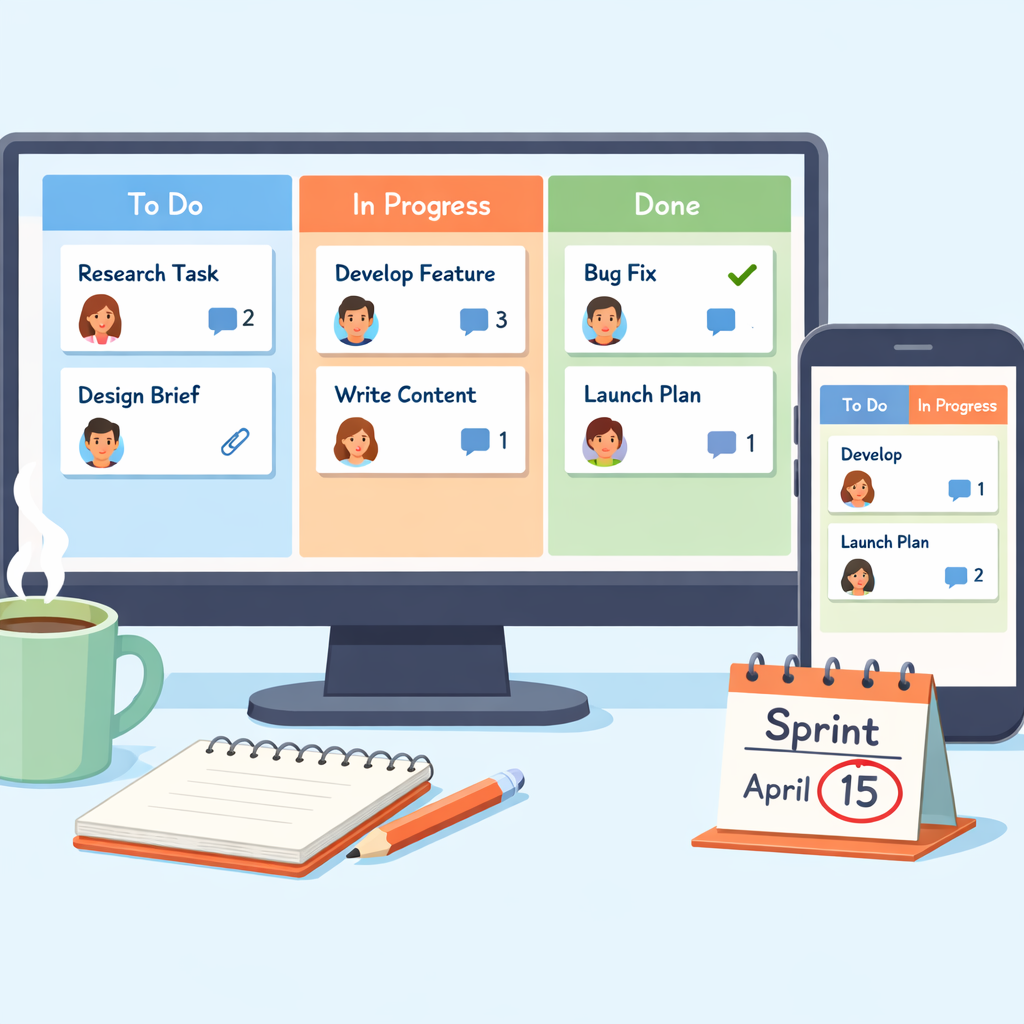
Simple project management tools often support two primary lightweight workflows: Kanban and Scrum. Kanban is ideal for continuous flow work—visual boards with columns like To Do, In Progress and Done let teams manage WIP (work in progress) and optimise throughput. Scrum-lite can be implemented as short sprints with a small backlog and a sprint board; the emphasis remains on short cycles rather than heavy ceremony.
Many straightforward platforms let you switch view modes between Kanban and list formats without altering the underlying tasks. This flexibility is useful when different teams prefer different visualisations. A simple tool should allow you to run a basic Scrum sprint without requiring complex sprint planning pages or buried velocity charts.
Choosing the Right Simple Tool for Your Team
When selecting a simple project management tool, assess how well it maps to your team’s workflow and how quickly members can start using it. Consider the following: number of users, mobile access, required integrations (calendar, email, cloud storage) and whether you need exportable reports. Cost is important, but free tiers with generous limits can be decisive for small teams.
Try tools that offer free accounts and templates. For example, onlinetcards.com provides a free project management system with Kanban and Scrum boards that mirrors the simplicity of familiar solutions like Trello or Favro. Testing a live board with a representative task set will reveal whether a tool genuinely supports your day-to-day needs.
Collaboration and Communication in Simple Tools
Effective collaboration in simple project management tools comes from reducing context switches and keeping discussions tied to tasks. Look for inline comments, @mentions and activity timelines so conversations stay with the relevant task rather than scattering across multiple chat apps. Lightweight notifications that can be customised prevent noise while keeping stakeholders informed.
A simple tool should also make handovers easy: clear assignee changes, an audit trail of updates and file attachments attached to tasks. This ensures accountability without requiring elaborate governance. Where deeper discussions are needed, integration with dedicated chat or video platforms should be straightforward and optional.
Practical Implementation Tips for Simple Project Management Tools
Start small: pick one project or team to pilot the tool and define a minimal set of fields and statuses. Avoid the temptation to model every nuance of your existing process; simplicity works when it reduces overhead. Establish a short onboarding checklist and a single template for similar projects to preserve consistency.
Regularly review and prune boards—archive completed tasks and consolidate duplicate lists. Encourage teams to use quick, descriptive task titles and brief comments rather than lengthy notes. Finally, measure adoption by tracking active users and task completion rates rather than complex KPIs; these simple indicators show if the tool is helping the team deliver.